Migrate from WordPress to Éclair: the step-by-step method
 By Thierry Gustin
Published
5 min read
By Thierry Gustin
Published
5 min read
Contents
- Should you really migrate from WordPress?
- Can Éclair import my WordPress site automatically?
- Step 1: how do you take stock of your URLs?
- Step 2: where should you install Éclair during the migration?
- Step 3: how do you recreate your pages and posts?
- Step 4: how do you keep your search rankings?
- Step 5: how do you switch over without downtime?
- Step 6: what should you check after the migration?
- Frequently asked questions about migrating from WordPress
Want to migrate from WordPress to a lighter site without losing your search rankings? It’s possible, as long as you work methodically: an inventory of your URLs, a parallel installation, recreating your content, 301 redirects, then the switchover. Here’s the complete process, with its pitfalls, and the cases where you’re better off staying on WordPress.
Should you really migrate from WordPress?
WordPress is still an excellent tool: it powers 39.5% of all websites, according to W3Techs (as of October 30, 2026). But its flexibility comes at a price: a database, plugins for caching, SEO and security, and never-ending updates. According to Patchstack, 11,334 new vulnerabilities were discovered in the WordPress ecosystem in 2025, 91% of them in plugins.
| Your site… | Migrate to Éclair? |
|---|---|
| A business website or blog with a few dozen pages | Yes, it’s the ideal case |
| Plugins limited to caching, SEO, security and a contact form | Yes: Éclair has all of that built in |
| A WooCommerce store, a member area, online courses | No, stay on WordPress |
| A plugin you can’t do without | No, or not right away |
| Hundreds of posts and several writers every day | Weigh it carefully |
Can Éclair import my WordPress site automatically?
No. As of version 1.2.0, Éclair has no automatic importer for WordPress. You recreate your content in the editor with the help of smart paste, which turns copied text into clean blocks. That’s why this migration is best suited to reasonably sized sites.
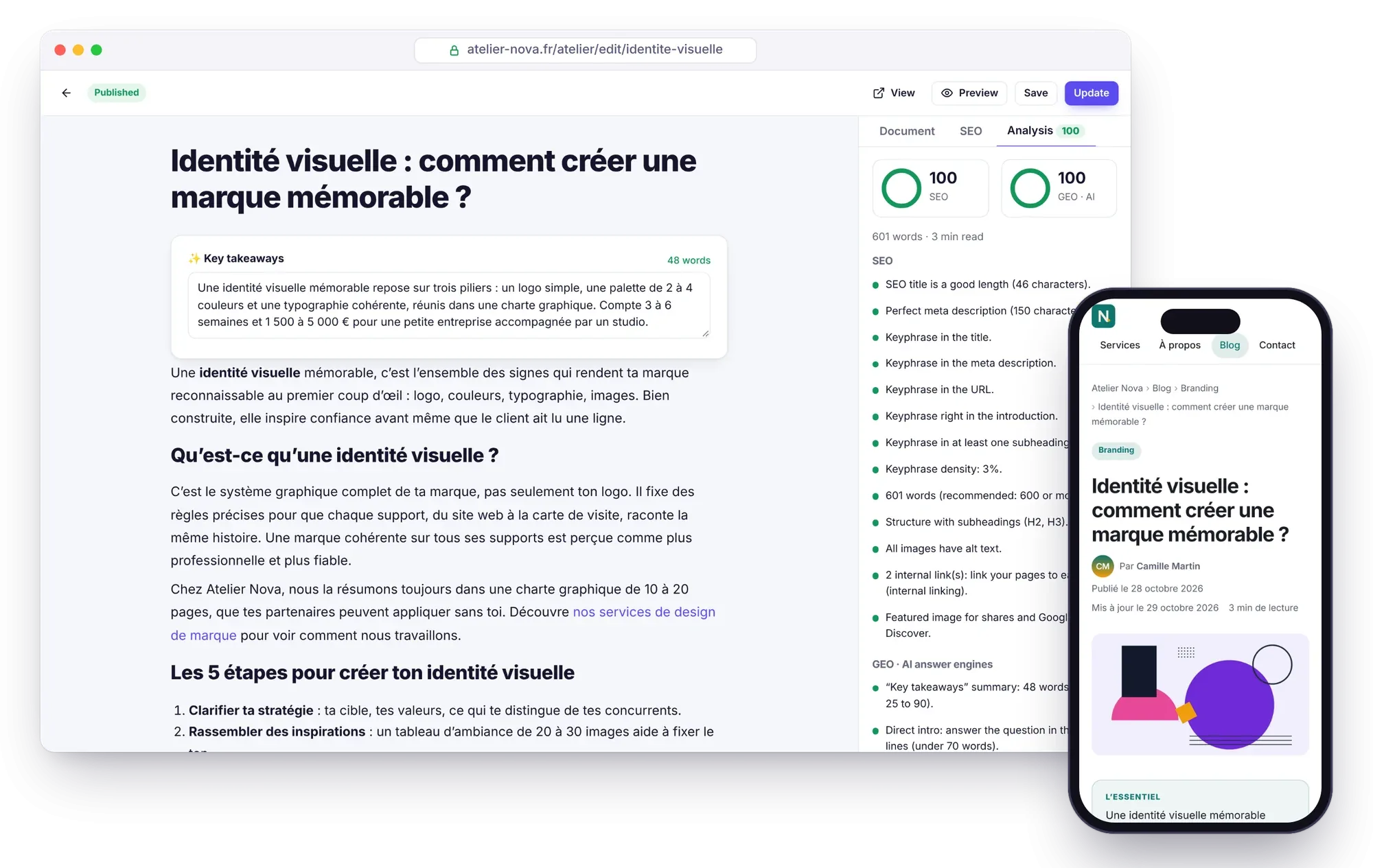
It’s also an opportunity: reread every page, remove what’s no longer useful and improve your text with the editor’s SEO and GEO analysis.
Step 1: how do you take stock of your URLs?
Before you touch anything, list every URL on your current site. They’re your SEO capital.
- Open your site’s sitemap:
/wp-sitemap.xml(built in since WordPress 5.5) or/sitemap_index.xmlif you use Yoast SEO. - Copy each URL into a spreadsheet, with its title, its meta description and its type (page or post).
- In Google Search Console (Performance › Pages), find the pages that bring you the most visits: they’re the most important ones to get right.
- Keep a complete archive of your content with Tools › Export in the WordPress admin.
Step 2: where should you install Éclair during the migration?
Install Éclair alongside WordPress, without shutting anything down: in a subfolder (example.com/new/) or on a test subdomain. A subfolder installation is detected automatically, and the archive weighs just 402 KB.
In the “Visibility” step of the setup wizard, uncheck “Google and Bing can index my site”: you can build in peace, without creating duplicate content. Everything is explained in the installation guide.
Step 3: how do you recreate your pages and posts?
- At installation, choose the site type closest to yours (Business website, Blog, Freelancer / portfolio or Landing page): you start from a ready-made structure.
- Open each WordPress page in your browser, copy the text and paste it into Éclair’s editor: headings, lists, tables and bold text become clean blocks.
- Download the original images and upload them to the media library: Éclair resizes them, converts them to WebP and strips their EXIF data. Don’t forget the alt texts.
- Recreate your categories, which become real “pillar” pages, then your header and footer menus.
- Fill in your author profile (photo, bio, links): it appears below every post.
Step 4: how do you keep your search rankings?
The golden rule: every old URL must lead somewhere. Keep the same slugs whenever you can; otherwise, create a 301 redirect in Éclair’s Redirects menu.
Watch out for one difference in structure: many WordPress sites publish their posts at the root (/my-post/), whereas Éclair puts them under the blog base (/blog/my-post). Pages, on the other hand, can keep a URL at the root, even when they’re nested.
| Old WordPress URL | New Éclair URL | Action |
|---|---|---|
/services/ | /services | None: Éclair redirects the trailing slash |
/my-post/ | /blog/my-post | 301 redirect to create |
/category/tips/ | /blog/tips | 301 redirect to create |
Then, for each piece of content, carry over the SEO title and the meta description (copy them from Yoast or Rank Math), and add a “Key takeaways” summary and a focus keyphrase: the Analysis tab guides you. These settings are covered in detail on the SEO page of the documentation.
Step 5: how do you switch over without downtime?
- Back up WordPress: the files and the database, with your host’s tool or a backup plugin. Keep this copy for several months.
- Free up the root: move WordPress into an archive folder, or delete it once you’ve checked the backup.
- Install Éclair at the root: copy the whole Éclair folder, hidden
.htaccessfiles included, then change the address in Settings › General. Internal links adapt automatically. - Open your site to search engines: check “Visible to search engines” in Settings › SEO, then click “Verify the site address” on the Security page.
Step 6: what should you check after the migration?
| Check | How |
|---|---|
| Sitemap submitted | Submit /sitemap.xml in Google Search Console |
| Redirects | Test a dozen old URLs: they should return a 301 |
| Contact form | Send yourself a test message |
| HTTPS | The padlock appears on every page |
| Bots and AI | Open /robots.txt and /llms.txt |
| Speed | Run a Lighthouse test on the home page and on a post |
Then keep an eye on Search Console for a few weeks: a slight shift in rankings is normal while Google takes the new URLs into account.
Still on the fence? Our comparison of Éclair and WordPress will help you decide.
Frequently asked questions about migrating from WordPress
Will I lose my search rankings if I migrate from WordPress?
Not if every old URL is kept or 301-redirected to the new one. Temporary fluctuations are possible while Google discovers the changes.
Can I keep my posts at the root, as on WordPress?
Éclair’s posts live under the blog base. To keep a URL at the root, you can recreate an important piece of content as a page, but it will then appear neither in the blog list nor in the RSS feed.
What happens to my WordPress comments?
Éclair has no comment system, so they aren’t carried over. Keep the WordPress export (Tools › Export) if you want to hold on to them.
What about my contact forms?
Éclair includes a Contact form block, protected from spam without a captcha, with an inbox in the admin. You don’t need any plugin.
Read next

GEO: how to get your site cited by ChatGPT, Perplexity and Gemini
GEO helps your site get cited by ChatGPT, Perplexity and Gemini: clear writing, structured data, llms.txt and AI bot rules. The complete method.
Flat-file CMS: benefits, limitations and who it’s for
A flat-file CMS stores your pages in files, not a database: faster, more secure and easier to back up. Its benefits, its limitations and who it’s for.
Éclair 1.2.0: the AI assistant writes, you publish
Éclair 1.2.0 adds an AI assistant (Claude or ChatGPT, with your own key): drafts, images and edits in your site’s voice, never published without you.